Wednesday, October 14th 2020 Reporter: Adriana Megawati Translator: Nugroho Adibrata 1253
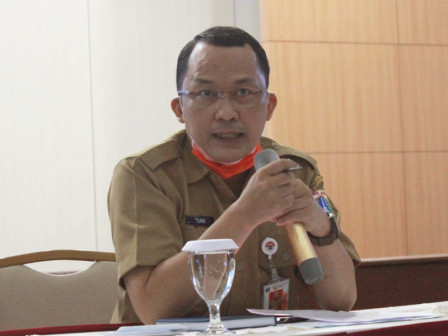
(Foto: doc)
Jakarta Regional Revenue Agency (Bapenda) provides practical steps for taxpayers who want to pay the urban and rural land and building tax (PBB-P2) via pajakonline.jakarta.go.id.
Do not forget before the payment stage, read and understand the special provisions
Jakarta Bapenda Head Mohammad Tsani Annafari said it aimed to boost local tax revenues and provide relief to taxpayers affected by the COVID-19 crisis. It included in terms of gradual repayment.
"Therefore, we provide a tutorial to make it easier to pay," he expressed, Wednesday (10/14).
To make an online payment, the taxpayer should visit www.pajakonline.jakarta.go.id first. After that they could select the entry button in the upper right corner and select the taxpayer. Then enter the email and password that has been registered at pajakonline.jakarta.go.id.
Next, select a gradual repayment and click add payment request. Fill in the applicant's personal data and fill in the PBB-P2 object data thus the system can carry out the validation process.
Afterwards the payment value data will appear and do not forget to make sure the applicant's data, taxpayer data and tax object data are correct. Then look at the number of repayment stages.
"Do not forget before the payment stage, read and understand the special provisions, then click the box I agree and click next. Taxpayers will be directed to the payment stage, there are several methods and then a summary will be displayed consisting of the stages of repayment, payment code, due date and payment channel. After that, the taxpayer can pay at the selected bank," he said.